
If your business relies on a digital presence, then website health plays a huge and important role in long-term growth. But when your website is not working smoothly or loading slowly, the main reason behind it is broken links. They can become a huge problem and hurt your website and business. They frustrate visitors, damage your professional image, and drive customers to competitors. For example, clicking on a link and getting an error is so annoying.
To avoid these issues, check your site regularly and fix broken links that improve user experience. Fixing broken links is important for a smooth website and retaining customers. Continue reading this blog to know what broken links are and why finding and fixing them is crucial.
What are Broken Links? And How Do You Find and Fix Them?
What are Broken Links?
Before learning how to fix them, it is crucial to know what these links are. A broken link, also called a dead link or link rot, is a hyperlink on a webpage that no longer functions and guides users to a nonexistent page.


Types of Broken Links
Broken links, or dead links, are simply links that lead users to a point that does not exist. These links are classified into three categories: internal links, external links, and backlinks. Here is a detailed explanation:
1. Internal Links
Broken internal links are hyperlinks that lead to a page that is no longer accessible or has been deleted. They are caused by deleting content without redirection, changing URLs, or typos. They damage websites’ ranking on search engine results and create a poor user experience.
2. External Links
External links are hyperlinks that lead to another domain but no longer work. They are caused when content is removed, URLs are changed without redirection, or the server goes down. They can hurt your website’s reputation and make visitors frustrated.
3. Backlinks
These broken links are incoming links from other websites that lead to a 404 error page or non-existent content on your site. They hurt SEO, user experience, and search ranking by creating dead ends. They are caused by deleted pages, altered URL structures, site migrations, or typos made by linking structures.
Why Do They Occur?
These links occur when a hyperlink points to a web resource that no longer exists, resulting in 404 errors or server timeouts. Common causes of these broken links include deleted content, server issues, and incorrect input.
- Deleted Content: The most common cause is removing a webpage or file without setting up a proper redirection to a new location, leaving behind a broken link. Which typically results in a 404 “page not found” error.
- Incorrect URL Input: Incorrect URL input and typographical errors are a frequent and significant cause of broken links, as even a minor mistake makes it impossible for a browser to locate the intended web resource.
- Website restructuring: Website structural changes refer to significant, fundamental shifts in how a site is organized and built. If you make changes to its structure, it can cause broken links because they alter the fundamental addressing system used to locate specific resources.
- Server Issue: Broken links are closely connected to server issues. The server is responsible for delivering the requested content. When a server fails, cannot find a file, or is misconfigured, it returns an error code instead of the page and turns functional links into broken ones.
How to Find and Fix Broken Links Step-by-Step
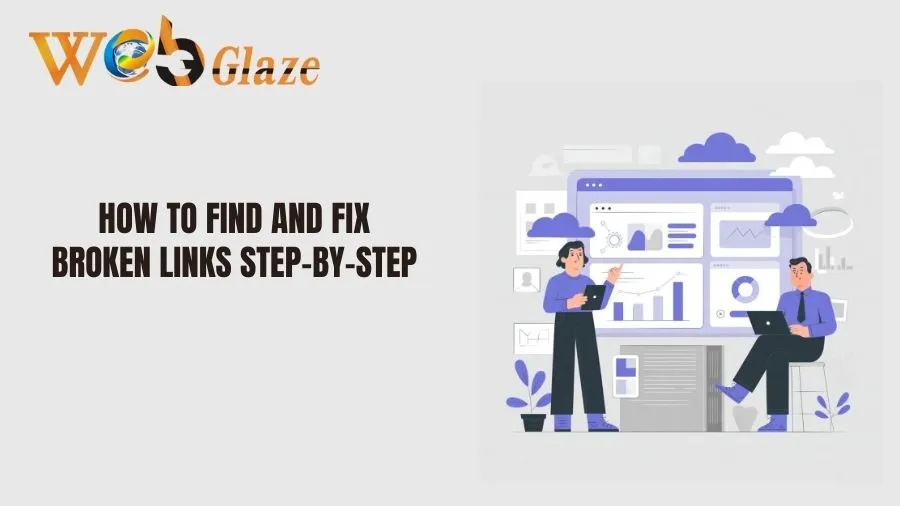
Fixing broken links involves identifying, updating, or removing dead URLs to improve user experience and SEO.
- Find Broken Links: To find broken links, you can use tools like Google Search Console, Screaming Frog, or site crawlers to identify 404 errors. These tools show where the links are located. Moreover, you can also reach out to Web Glaze services, because they offer services to find and fix these links.
- Update or fix the URL: If the page has been deleted or moved, use a 301 redirection to point the old URL to the new, related page.
- Use a 301 Redirection: If the content has moved permanently, set up a 301 redirection from the broken URL to the new, related URL. This tells the search engines that the page has been moved permanently.
- Remove the Link: If the content no longer exists and there is no relevant replacement, then remove the link totally from the page.
- Replace with new content: If the link is not working, then replace it with new content or update the resource.
- Fix External Link: For broken links that point to another nonexistent page, update them with a new, relevant source or remove them.
- Configure Custom 404 Page: You should create a helpful custom 404 page that improves user experience and guides users back to the homepage or search bar.
- Regular Checking: Regularly check for links errors using SEO tools to avoid further issues.
Why Finding and Fixing Broken Links Is Important
Finding and fixing error is crucial for maintaining a high-quality website, as they severely harm user experience, reduce conversion rates, and damage SEO ranking. Broken links cause high bounce rates, frustrate visitors, and signal poor site maintenance to search engines, which can lower search visibility.
- Improve User Experience: Removing the error from the website keeps visitors on the site longer and builds trust and a professional image.
- Boost SEO and Ranking: Search engines like Google illuminate broken links as a sign of poor maintenance, which can result in lower search ranking and reduced visibility.
- Optimal Crawling: Broken links slow down search engine crawlers, potentially preventing them from indexing the rest of your website properly.
- Reduce Conversion Rates: Users who experience broken links are likely to leave, leading to lost traffic and missed revenue opportunities.
- Maintaining Site Structure: Regularly fixing links ensures that internal navigation remains intact and that link flow is correct throughout the site.
Conclusion
Broken links are not good for SEO, as they don’t provide the particular information that users want to further their needs. It frustrated them and led them to leave the site, resulting in lower SEO rankings. If you want to fix this problem, you can contact Web Glaze Services.
We are the best digital marketing agency in India. We identify, check, and fix dead links across the entire website, ensuring a better user experience and improving SEO. Our expert safely repairs broken internal and external links through implementing strategic redirects and updating outdated content to boost site functionality. Contact us to get expert help for SEO growth.
Also Read :

