
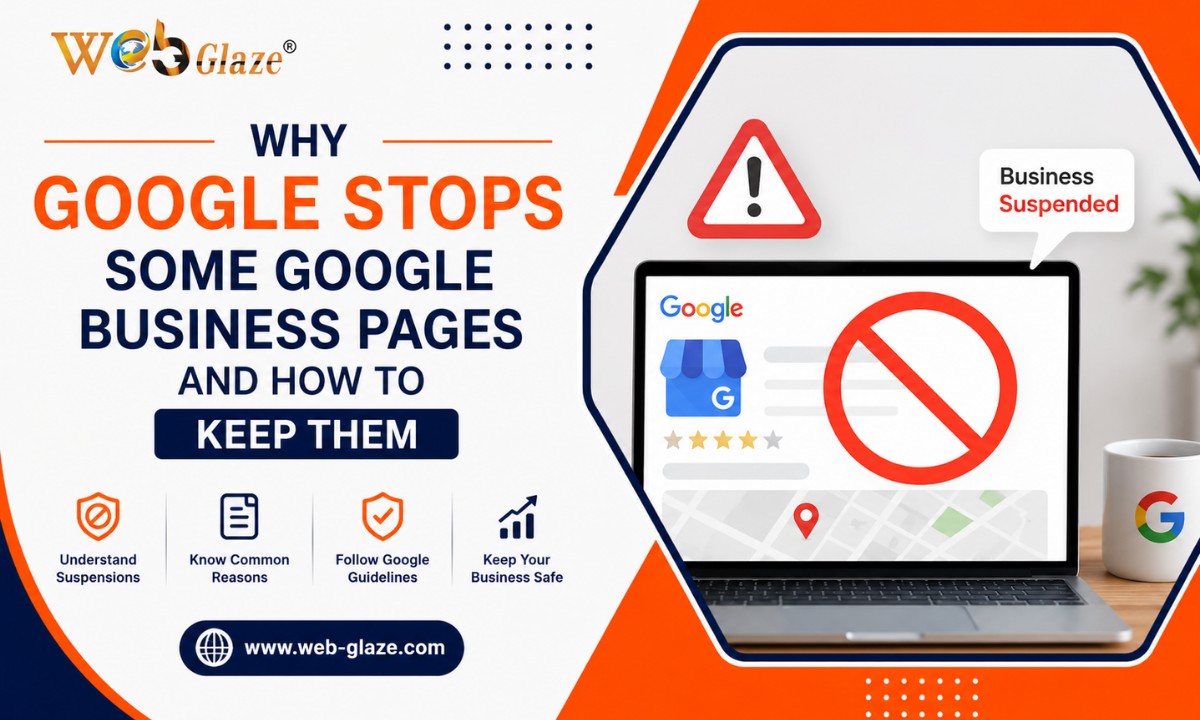
Google suspends Google Business Profiles to remove spam and keep research results accurate. The main reasons for the suspension are keyword stuffing, using virtual offices or P.O. boxes, and inconsistent business data. You must use your exact legal business name, provide your physical address, and maintain the same details everywhere to keep your profile safe.
In 2026, Google is using smart AI tools to automatically hide fake or spam business profiles. Many new customers online find your business through your Google Business Profile. So, you must know what things can lead to suspension of your profile. If your profile gets suspended, you instantly lose valuable customer inquiries. Your profile might get suspended for very simple reasons like using the wrong address and using too many keywords in your business name.
Google regularly updates its policies to make sure only real, trusted businesses show up in search results, giving users the best search experience. Read on to know the exact reasons that result in Google Business Profile suspension, tips to protect your profile, simple steps to recover your suspended profile, and more.
What is a Google Business Profile?
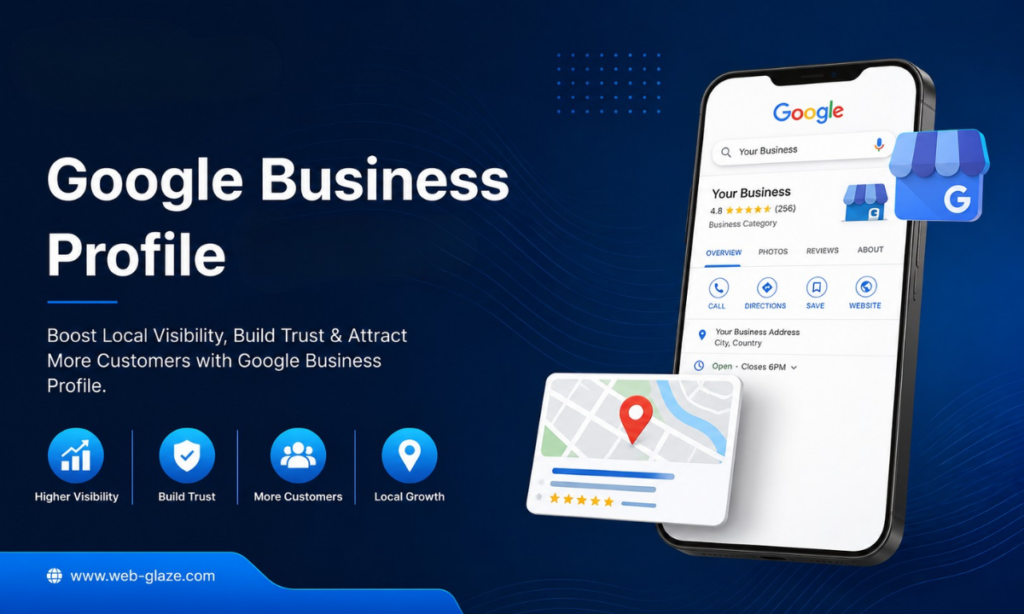
A Google Business Profile is a free digital business card provided by Google that helps local customers to find your business even before they visit your website. This shows all the details the people need to see, like your address, phone number, website link, and opening hours.
You can easily post pictures of your business, products, and any special offers. Moreover, your customers can also leave star ratings and comments about your business, and you can reply to them. When people search for services or products like yours, your GBP shows in results with key details that help customers find or contact you.
What Is a Google Business Profile Suspension?
Google Business Profile suspension simply means Google has temporarily blocked your business from showing up on Google search results and Maps. This happens when your listing has broken their policies. When your profile is suspended, your business disappears from search results, and new customers can’t find you or get directions. Even minor things like adding an extra keyword to your business name can result in suspension. The only reason for suspension is that Google wants to provide only real information to users and stop fake or spam profiles.
Types of Google Business Profile Suspension
Google Business Profile suspension simply means Google found a problem with your business listing or you violated their policies. GBP suspension is of two types:
- Soft Suspension: Customers can still see your profile on Google search and Maps, but you lose control. You can’t make updates, change your details, or reply to your customers. This usually happens because of minor issues like changing your address or failing to verify your account. You can easily fix it by proving your ownership to verify your profile again.
- Hard Suspension: A hard GBP suspension is serious because it completely removes your profile from all Google searches and Maps. Customers can’t find you; you stop getting calls and website clicks from Google. This happens when you break major rules like using a fake address, creating duplicate listings, or adding spammy keywords to your business name.
Google Business Profile Suspensions in 2026
Google now uses advanced AI to review business profiles, which means profiles are checked more quickly, and even minor mistakes or policy violations can lead to temporary restrictions or hard suspensions. However, many genuine businesses are also facing this issue.
- During recent updates, even verified businesses reported these issues. So, you must regularly review and maintain accurate information on your business profile.
- Google may now review both your GBP and the Google account managing it. If there are trust or policy concerns with the account, your business profile might get suspended.
- Keeping your business information, like name, phone number, address, and other details, updated is more important to reduce the chances of suspension.
Why Google Suspends Business Pages
Mostly, GBP suspensions happen when a business violates Google’s policies. If you add extra words to your business name, use a fake address, make duplicate pages, break review rules, and post restricted content, your profile will be suspended.
| Reason for Suspension | What It Means | How to Avoid It |
| Wrong Business Name | Google may suspend your profile. | Use your official business name. |
| Incorrect Address | Your profile may not be trusted. | Add your real business address. |
| Duplicate Profile | Google may remove one listing. | Keep only one profile per location. |
| Fake Reviews | Your profile may face restrictions. | Collect genuine customer reviews. |
| Frequent Edits | Google may flag your profile. | Make updates only when needed. |
- Keyword Stuffing: When you put extra words or city names in your business name, you break Google rules, and they will suspend your page.
- Invalid or Virtual Addresses: If you use a P.O. box or a fake virtual office where people can’t visit, you break the rules because Google wants real physical locations.
- Data Mismatches: Another reason for GBP suspension is having a different business name, phone number, and address on your website than on your Google Profile.
- Duplicate Listings: Making two or more pages for the same business location confuses people using the map and violates Google’s policies. Google treats them as spam and suspends them.
- Review Violations: If you pay people for posting feedback or force customers to leave good reviews, you break Google’s trust rules, and this leads to instant GBP suspension.
- Frequent Profile Edits: When you make frequent changes to your core information like your business name, phone number, or address, it leads to Google Business Profile suspension.
- Avoiding Prohibited Content Guidelines: Posting illegal items, adult materials, or things not allowed by Google policies will get your business profile banned to keep users safe.
How to Spot a Google Business Profile Suspension
You can easily spot if your Google Business Profile is suspended by checking your GBP manager dashboard or searching Google Maps. Here are the signs your profile is suspended:
- Red Warning Label: If you see a suspension notification or a clear red note like “Suspended” next to your business name, you need to understand what caused the suspension.
- Listing Disappears: Search for your business name on Google Maps, and if it is suspended, it will not show up for customers.
- Claim This Business Button: If your business shows up on Google search or Maps, but it shows a button to claim it as if it is not yours anymore.
- Cannot Make Changes: You try to change your open hours or update photos, but Google blocks you from editing your profile.
- Fewer Calls and Views: You suddenly notice that you are no longer getting new customer messages, phone calls, or direction requests from Google Search.
How to Avoid Google Business Profile Suspension?
To protect your Google Business Profile, you must follow Google guidelines, make sure your business details match across the web, and avoid making sudden, massive changes.
- Use a Real Location: You must always use a real physical location where your business works every day. You must never use a fake mailbox or a digital office address that doesn’t exist in reality to avoid suspicion.
- Match Legal Documents: You can easily avoid GBP suspension by making sure your business name and address match your official papers, bills, and licenses. Avoid adding extra words or special keywords, as it can lead to suspension.
- Avoid Rapid Changes: You should not change your business name, phone number, or address all at once. Making many sudden changes can make your page look like spam and lead to suspension.
- Keep Information Consistent: You must check that your details are the same everywhere online. Your business name, address, and phone number must match on your site, social media profiles, and profile page completely.
- Audit Review Collection: Train your team to collect real and honest feedback from customers. Never buy fake reviews or ask your customers to add too many reviews, as it can make your profile look suspicious.
- Update Every 30 Days: Make sure you check your page often and update one real photo or quick announcement monthly to show the system that your business is active and fully running.
- Follow Guidelines: You must read all the Google guidelines on the GBP help page to keep your business page protected. Following every policy is the only way to keep your business visible and trusted on the map.
How to Recover a Suspended Google Business Profile
To recover a suspended Google Business Profile, you need to follow these steps in 2026:
Step 1: Find the Problem
You must read Google’s rules for what you can update on your profile. If your business name has extra words or your information is not correct. Google usually sends an email, but it might not specify the GBP suspension reason.
Step 2: Fix Your Profile
Next, you need to log in to your Google Business Profile Dashboard. Then, check your business name, address, description, and other details and change any wrong information. It is a must to remove extra details or fake data, as they break Google’s policies.
Step 3: Collect Proof Documents
You should gather legal documents that prove your business is real and active. You must collect your business license, tax papers, or GST/registration certificate. It is advised to keep a recent utility bill (like electricity or internet) showing your exact business name and address. Take clear pictures of your shop front or inside.
Step 4: Send the Appeal
Once you have made changes, you should submit an appeal to revoke the suspension. You need to open the Google Business Profile Appeals Tool using the same Gmail account you use for your business. Then, choose your suspended profile and click to start an appeal. You have to update documents or write a short note saying you fixed the mistakes and your business is real.
Step 5: Wait for Google
Google usually takes 3 to 7 days (sometimes up to 2 weeks) to check your appeal request. So, do not make any new changes to your profile while waiting. You must not send a second appeal before Google replies to your first one.
Secure Your Business Profile with Web Glaze Services
You need to follow Google policies, maintain accurate information, and make updates slowly to protect your business profile from suspension. GMB suspension can hide your business, which means new customers can’t find you, and your sales also get affected. You just need to use a real office address, avoid multiple listings, and do some other things to keep your page active
With a trusted Google Business Profile, you can attract more local customers. If you need expert help to maintain your business page, connect with the Web Glaze Services team. We are a top-rated digital marketing agency in India and help businesses fix errors, maintain consistent data, and protect their listings. Contact us today to get the right support you need to keep your business on top of search results.

