

To ensure your content is original, you need to check your pages and external sources using duplicate content checker tools. This ensures search engines index your original content. The best duplicate content checker tools like Copyscape, Quetext, Grammarly Premium, and Copyleaks help you do that.
Having the same text on multiple pages on your site can hurt your Google rankings. When search engines see identical words on more than one web page, they get confused about which page to show higher in search results. If you leave it unfixed, it can directly impact your visibility. Check out 10 popular duplicate content checker tools that are used by writers, SEO experts, and other professionals, available with both free and premium plans.
What Is Duplicate Content?
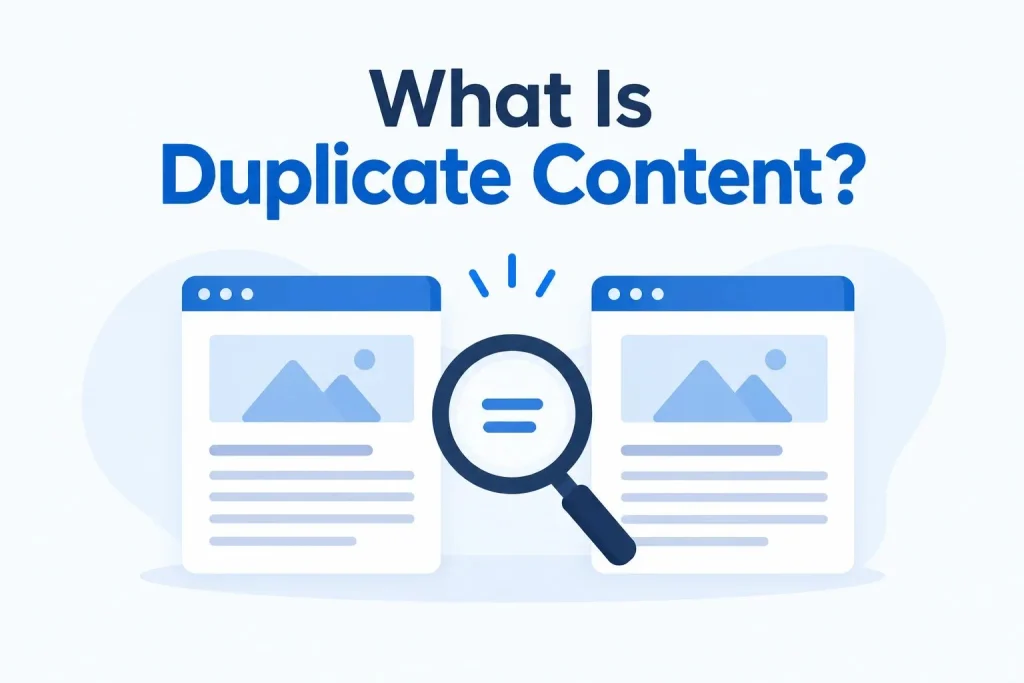
Before we learn about the top duplicate content checker SEO tools, let us understand what duplicate content actually means. Duplicate content means the same or very similar content appears on more than one page of the same website or is found on other sites. When search engines like Google find multiple identical pages, they filter the results to show only one unique version. The duplicate copies are hidden from the search results. This can result in ranking issues for those hidden pages.
How Can Duplicate Content Hurt Your SEO Rankings?
Duplicate content badly hurts your search engine rankings. When you have the same or very similar text on multiple pages, search engines struggle to choose which page is the best one to show to users.
Here are the main points that will help you understand why you need duplicate content checker tools to fix this issue:
- Wastes Crawl Budget: Search engines only allocate a limited time to crawl your site. When duplicate pages create redundant URLs, search engines spend their discovery limit indexing copies and might not crawl your newly updated pages.
- Index Confusion: Search engines get confused when they see identical pages and don’t know which version is the best or original one. They may choose a low-converting landing page or outdated copy instead of your new main page for search results.
- Splitting Link Equity: When other websites link to different versions of the same page, your link equity is divided. Instead of building a single strong page, multiple weak versions struggle to rank independently.
- Keyword Dilution: Multiple pages targeting the same topic and keywords will end up competing against each other. This will lower your chances of having a single, high-ranking page that ranks better than your rivals.
- Algorithmic Penalties: Google rarely issues penalties for duplicate content, but its algorithm will automatically suppress duplicate pages. This means your duplicate pages will simply be pushed to the bottom of search results.
Top 10 Duplicate Content Checker Tools for SEO
By fixing duplicate content using the right tools, you can improve your SEO rankings, protect your content from plagiarism, and ensure you don’t violate copyright laws. Here are the 10 best duplicate content checker tools that you can use:
1. Copyscape
Copyscape is one of the most well-known SEO duplicate content checker tools, and you can use it to check if your web content has been copied from other sites. It scans billions of web pages to find matching text.
This makes it a great choice for website owners, writers, and SEO experts to check whether their content has been copied elsewhere on the web. Highlights identical sentences and text blocks next to the source, so you can spot copied text right away.
- Best Use: Best for freelance writers, blog editors, and business owners who want to check if their articles are unique or find out who copied their content.
- Pricing: Free plan with limited checks available, but its pricing is a pay-as-you-go system for the Premium version.
2. Siteliner
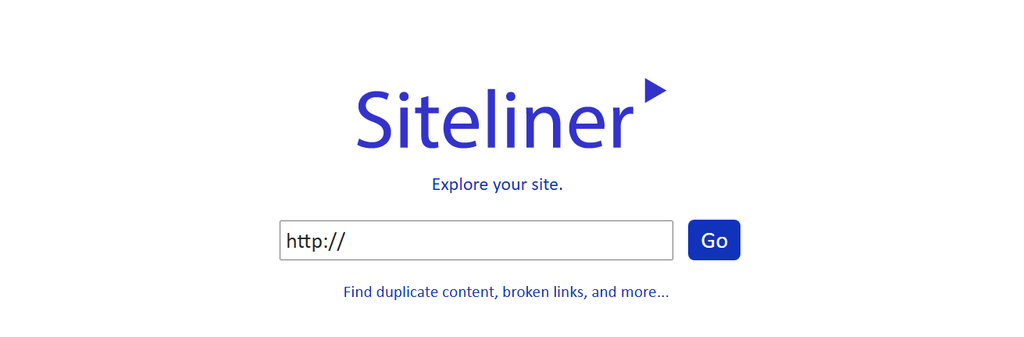
This SEO duplicate content checker is made by the creators of Copyscape. It focuses on finding duplicate content inside your own site. Instead of searching the whole internet, it crawls your domain to show you pages that look duplicate, which can hurt your search rankings.
It scans your site to find dead links that lead to error pages, so you can fix them. This ranks your web pages by internal linking to show which ones hold the most SEO value. Its user-friendly interface and free plan make it a popular website duplicate content checker tool.
- Best Use: Best for website managers and SEO experts who need to clean up internal duplicate text and broken links across a whole domain.
- Pricing: Free version available with limits; premium version costs $0.01 per scanned page for larger sites.
3. Originality.AI

This duplicate content checker combines standard plagiarism scanning with powerful AI detection so publishers can see if a text was written by a human or generated by tools like ChatGPT. This tool identifies text written by popular AI models with high accuracy.
By using this tool, you can scan the web to make sure your text has not been copied from other pages. This tool provides a good free plan for casual users.
- Best Use: Best for digital marketing agencies, large content sites, and teachers who need to screen articles or student papers for AI text and plagiarism.
- Pricing: Free plan with up to 20 daily checks available; a pro plan costs $14.95 per month (includes 2,000 credits).
4. Copyleaks

If you are looking for duplicate content detection tools that detect AI content, support multiple languages, and spot AI paraphrase detection, Copyleaks is a great choice. This platform is widely used by educators, businesses, and content creators.
You can upload documents in various formats, including PDF, DOCX, TXT, and even source code files. This tool provides a side-by-side comparison showing your text next to the original source to clearly pinpoint duplication. It can also find content that was translated from another language to mask plagiarism.
- Best Use: Best for editors, academic institutions, and corporate teams that deal with multilingual content and need deep AI and plagiarism tracking.
- Pricing: It offers a limited free trial, after which you purchase credits based on the volume of words you need to scan.
5. Grammarly Premium (Plagiarism Checker)

Grammarly Premium is a popular writing assistant that has a powerful built-in plagiarism checker for SEO content. This tool scans your text and compares it against academic and web databases. It highlights exact sentences that match external sources.
While reviewing the content for plagiarism, you can also use it to fix grammar, punctuation, and other errors. It provides the exact URL or publication source for every duplicate text found. The best part is that it gives a clear percentage or plagiarism score showing how much of your text matches external sources.
- Best Use: Best for students, professional writers, and authors who want to check for plagiarism and improve their writing style.
- Pricing: This feature is only available with the premium plan. Individual premium plans start at $12 per month.
6. Quetext

Quetext is a leading plagiarism checker for SEO content and an AI detection tool used by millions of users worldwide. It uses advanced algorithms (DeepSearch technology) to verify text originality. By using this tool, you can scan your text against billions of web pages, academic journals, and published articles to catch similar or closely paraphrased content.
This tool uses different highlight colors to let you easily distinguish between exact matches and paraphrased text. The best part is that you can exclude specific sites from the scan so your own site doesn’t flag your text.
- Best Use: Best for academic researchers, college students, and bloggers who need clear visual reports and quick citation tools.
- Pricing: The basic free plan allows up to 2,500 words per month, but premium plans start at $10 per month for 100,000 words.
7. DupliChecker

This online duplicate content checker tool is used for quick and free plagiarism detection. You can copy and paste text or upload various document formats to compare your content against the web. This tool supports uploading text through DOC, DOCX, TXT, and PDF file formats for convenience.
This free duplicate content checker tool provides a clear, color-coded report and shows the percentage of unique and plagiarized text. It also lists the exact URLs and websites where matching content was found so you can properly cite your sources.
- Best Use: Best for casual freelancers, small business owners, and students who need a quick, no-cost way to scan short articles.
- Pricing: Offers a free version with limits. Paid plans start at $5 per week.
8. SmallSEOTools (Plagiarism Checker)

This is one of the best free plagiarism checker tools used to check text, document files, or webpage URLs against indexed online sources in seconds. The free version allows you to scan up to 1,000 words per search query. This lists the specific matching source URLs and web pages where the duplicated text was found.
This free duplicate content checker supports text scanning in multiple languages. You can also download or export the similarity results into PDF or Word reports. Both paid and pro versions include deeper scans for paraphrased content and paraphrasing options. It doesn’t feature built-in AI writing detection in the standard scan.
- Best Use: It is widely used by students, teachers, bloggers, and SEO content writers for quick, basic checks.
- Pricing: Free with a word limit per search. Premium pricing plans start at around $10 per month.
9. Screaming Frog SEO Spider

This is a desktop site crawler that scans URLs to find technical SEO errors, including similar and near-duplicate content. It works differently than a duplicate content checker or plagiarism scanner; it is great at finding identical or highly repetitive pages on your site. You can use this tool to instantly find pages on your site that use the same title tags or meta descriptions.
The near-duplicate match level is set to 90% by default, but you can lower or raise it down to 50%. It lets you download massive lists of internal duplicate issues directly into Excel or Google Sheets.
- Best Use: Best for technical SEO professionals and agency teams managing massive websites with thousands of complex web pages.
- Pricing: The free version crawls up to 500 URLs; a paid version costs 199 pounds per year for unlimited URL crawling and advanced settings.
10. Surfer SEO (Content Audit)
Surfer SEO’s Content Audit compares your web page against current top-ranking pages on Google for your target keyword. This tool links directly with your GSC account. It gives your page a Content Score from 1 to 100 to show how thoroughly you cover the topic compared to your rivals.
It also highlights exact phrases and terms you should add or remove to avoid sounding repetitive. This creates an actionable list of tasks that help you fix thin or copied content areas instantly. It also suggests specific adjustments to word count, paragraph counts, heading tags, and meta descriptions. It offers a 7-day free trial and premium plans with extra features.
- Best Use: Best for content strategists, SEO copywriters, and brands looking to rewrite unoriginal text to rank higher in search results.
- Pricing: The basic subscription plan starts at $49 per month.
How to Fix Duplicate Content Issues After Finding Them
These best duplicate content checker tools for SEO will help you find similar or very similar content on different pages. After finding these issues, you can easily fix them by using these strategies:
1. Use Canonical Tags
When you have multiple URLs displaying identical or highly similar content, you can use these tags to keep all of them active for users but rank only one in search results. This code tells search engines which page is the original copy and passes the search value to that main page.
2. Use 301 Redirects
When you have redundant, outdated, or duplicate pages that you no longer need visitors to visit independently, you can use 301 redirects. This sends visitors and search engines from a duplicate URL to the original page.
3. Noindex Meta Tag
You can use this tag for utility pages that are necessary for user experience but provide no search value. This code tells search engines to crawl the page and keep showing it to visitors but never list it in search results.
4. Content Rewriting
When multiple pages on your site target similar keywords or topics, you can rewrite one of them completely. You must use new keywords and follow unique examples or sources to make the content original.
5. Merge Similar Pages
Another easy way to solve duplicate content issues is to combine multiple weak, repetitive pages into one high-quality, complete guide. Once you merge them, delete the old duplicate pages and redirect their links to the new page you created.
6. Improve Internal Linking
You should always link to your preferred master page when connecting articles inside your website. This consistent internal linking helps search engine crawlers understand which page is the most important one.
7. Send a Removal Request
When another website copied your content without permission, email the site owner and politely ask them to delete it. Many website owners quickly remove the copied text if you show them the original link.
8. File a DMCA Takedown Notice
When another website copies your content without your permission and refuses to remove it from their copied content, you can file a DMCA takedown notice with its hosting provider to request removal of the copied content.
How to Choose the Right Duplicate Content Checker Tool?
Now that you know about the best duplicate content checker tools, you must also know how to choose a tool that matches your specific needs.
| Key Factors | What to Consider | Why It Matters |
| Your Needs | Check the type, length, and language of your content. | Helps you choose a tool that fits your work. |
| Budget | Compare free plans, paid plans, and subscription costs. | Keep the tool within your budget. |
| Workflow | Consider how often you need to check content. | Makes regular content checks easier. |
| Features | Look for reports, file uploads, and bulk checking options. | Helps you check content more efficiently. |
| Ease of Use | Choose a tool with a simple interface and clear results. | Saves time and makes checking easier. |
Get Your Custom SEO Plan from Web Glaze Services
Creating unique content is one of the most important parts required for a successful SEO plan. These 10 best duplicate content checker tools make it easy to spot accidental copies and protect your hard work. Original content builds trust with your audience. But a great tool is only useful if you know how to use it and fix the errors it finds.
You can save your time and ensure your website is completely optimized for search engines; hiring professionals is a smart choice. Web Glaze Services uses the best duplicate content checker tools for your needs, fixes the issues, and creates powerful SEO strategies. We don’t just find duplicate content; we replace it with high-performing and original content.
Connect with Web Glaze Services today to speak with our experts and get a custom SEO plan designed for your business success.
Also Read: 10 Signs Your Business Needs a New Website or Redesign
Frequently Asked Questions (FAQs)
1. What is a duplicate content checker tool?
Duplicate content checker tools check your content for matching or similar text found on other websites or pages.
2. Why is duplicate content bad for SEO?
Duplicate content can confuse search engines and affect how your pages appear in search results.
3. Which is the best duplicate content checker tool?
Copyscape, Siteliner, Copyleaks, and Quetext are popular options. You must choose a tool based on your needs and budget.
4. What is the difference between duplicate content and plagiarism?
Duplicate content refers to similar text across pages or websites, while plagiarism means using someone else’s work without proper credit.
5. Are duplicate content checker tools free?
Some great free duplicate content checker tools are DupliChecker, Siteliner, and SmallSEOTools Plagiarism checker.

