

It is quite common that websites feature similar or identical content at various URLs. This practice is often intentional; however, without proper consideration, this can negatively affect a site’s performance. This is because when a site has similar or repeated pages, the search engines get confused. With Canonical URLs and tags, you can easily solve this problem.
They help search engines by telling which page is the main version and must be shown in results. When you don’t use the Canonical tags, your site may compete with itself, which affects its visibility. Let’s understand these tags in simple words. These are signals that guide search engines in the right direction. These keep a website organized and easy for search engines to understand.
What are Canonical URLs?
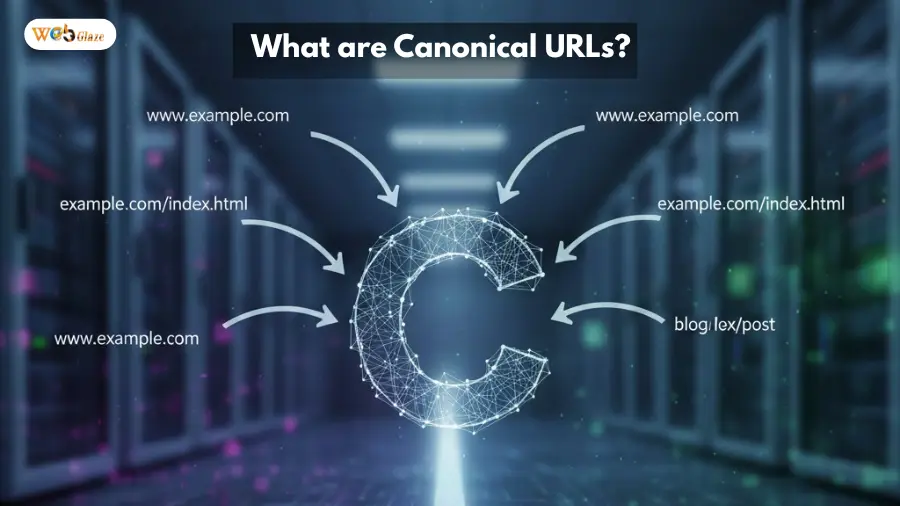
The canonical URL is a preferred web address for a page, which is chosen from a group of duplicate or very similar pages. This tag tells search engines which page is the main version. Search engines follow this URL and understand which version to index and show in results.
Using this URL is a must to manage duplicate content, as when multiple pages have the same or similar content, it can confuse search engines. However, Canonical URLs help search engines, like Google, to focus on one clear page. This practice makes sure your best content gets ranked.
What are Canonical Tags (rel=”canonical”)?
These tags are HTML elements that work together with canonical URLs to guide search engines. Their only task is to tell search engines which URL must be treated as the preferred or master copy for a page. These are very useful when the same or nearly the same content exists at multiple URLs.
Canonical tags don’t appear on the page itself and work quietly in the background. Their job is to make sure search engines don’t get confused by similar pages. These improve crawl efficiency, as search engines understand which is the main page and what are intentional duplicates. When you use these tags correctly, you can be assured that the best version of your content appears in search results.
Why Canonical URLs Matter for SEO
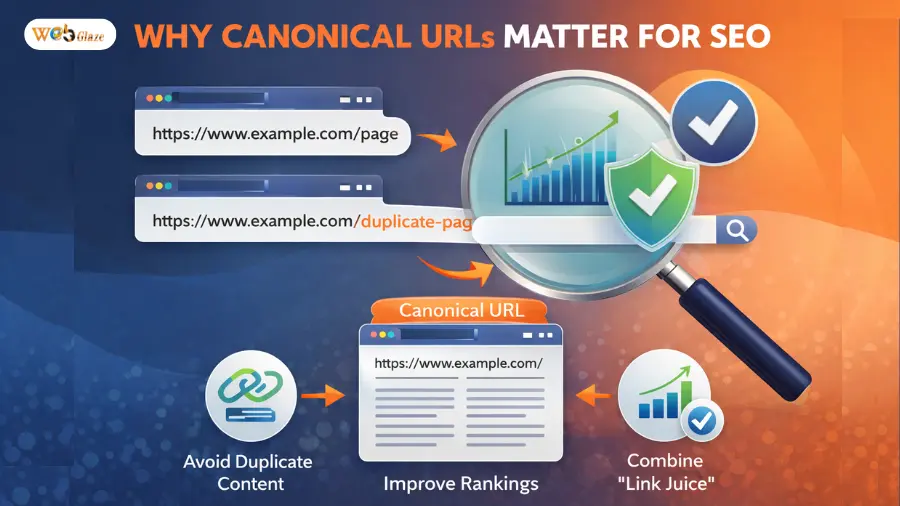
When you don’t use canonical tags, the ranking signals get split between pages having the same or nearly similar content. Search engines face difficulty in understanding which version of the page is the main one without them. There are many other issues that you have to face without these tags. So, before we understand when to use these tags and URLs, let us know their importance for SEO:
1. Solves Duplicate Content
It is a common issue that websites show different URLs for the same content. This can happen because of tracking links or small URL changes, like with/without www and trailing slashes. When different URLs show the same content, it confuses the search engines, and they might not know which page to prefer. However, with Canonical URLs, you can easily end this confusion by clearly pointing to the main page that must be ranked.
2. Consolidates Link Signals
When different links point to different versions of the page, it splits the SEO value across those URLs. However, Canonical tags direct all that value to one main page or primary URL. This helps in building stronger authority, which is one of the most important factors that can positively affect a page’s ranking in the search results.
3. Saves Crawl Budget
These tags make sure the search engine bots don’t waste their time crawling similar pages. They help bots focus only on useful and main content. By properly implementing these tags, you can significantly improve your site’s performance.
4. Prevents Keyword Cannibalization
When a site has multiple pages that compete or target the same keywords, it can negatively affect the site’s SEO performance. It might happen that the search engine will rank the wrong page instead of the best one. However, Canonical URLs avoid this competition and ensure the best page ranks for relevant searches.
5. Improves Indexing & Visibility
As we discussed above, these tags make sure the search engine never indexes the wrong version of a page. When the most relevant version appears in search results, it improves the visibility of a website and also leads to a better user experience.
When to Use Canonical Tags
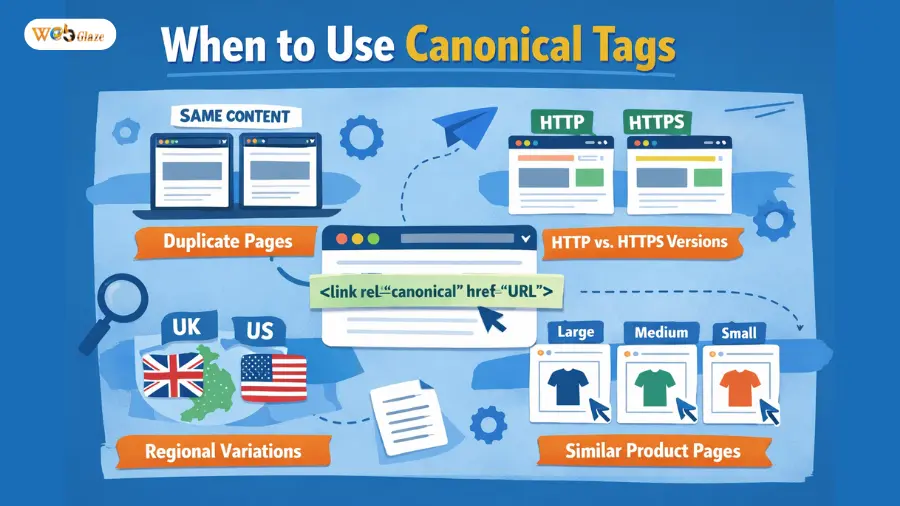
We discussed above that when canonical tags are correctly used, they provide clear instructions and make a site more appealing to search engines. However, you should know when you should use them:
- Syndicated Content: These URLs tell search engines that a particular site is the original source. It is useful when your content is republished on other sites. These tags point the search engine back to the source.
- E-Commerce Filters: These are used for product pages that have different URLs for different colors and sizes. These make managing duplicate product pages created by sorting or filtering options easy.
- Tracking Parameters: Sometimes links have extra words at the end, like ?utm_source=… Although these links show the same page, they look different to search engines. Canonical URLs tell search engines to treat them as one page and not create new indexed pages.
- URL Variations: A page can open with www or without it, and other URL variations make search engines treat the same page as different. These URLs help them not to treat them as separate pages and choose a clean version.
How to Implement Canonical Tags: Best Practices
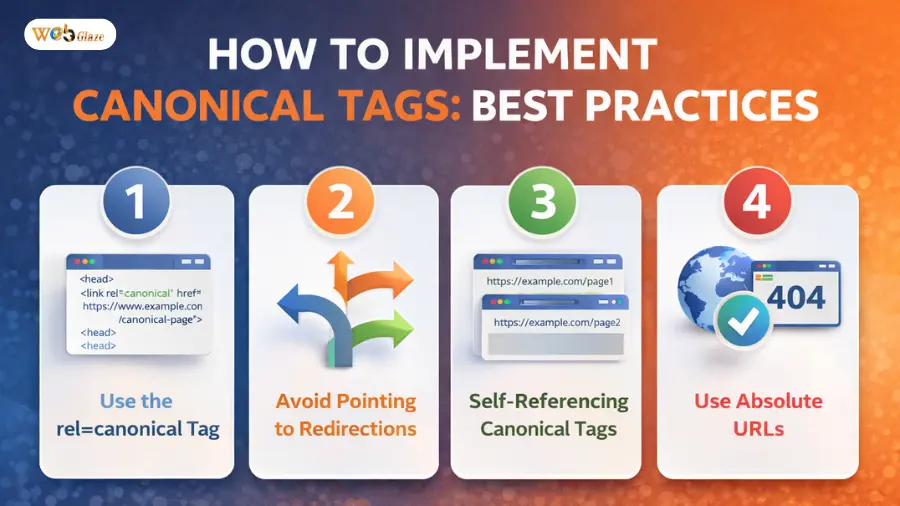
When you use canonical tags in the right way, you help search engines understand your website better. However, even a small mistake during implementation can lead to ranking issues, duplicate content, and other problems. Here are some common practices that are used to implement these tags:
1. Add a Canonical Tag to Every Page
One of the best practices to use canonical tags is to use them on every page of your site. When every page on a site has a canonical tag, Google doesn’t get confused about which is the main version. It also ensures no other site can claim your content as theirs.
2. Place the Canonical Tag in the HTML Head
Canonical tags must always be added inside the page’s HTML head section, as the search engines visit this section first for instructions. However, when these tags are placed somewhere else, the search engine might ignore them. So, placing them at the right spot is a must.
3. Always Use the Full Website Address
Whenever you implement a canonical tag, you should use the complete page URL. When you don’t follow this practice, the short or partial links make the work of search engines more difficult. With a full URL, you can keep your site’s performance good.
4. Use One Website Version Consistently
Another practice that must be followed when implementing canonical tags is to choose one version of your site, like with or without www. This same thing must be done for HTTP and HTTPS. This step will make sure your site structure is clean and not confusing.
5. Handle Multiple Page Content Carefully
For content that is split across several pages, you should use the canonical tag to point to the main page. This helps search engines easily understand which page is the most important and must be ranked.
6. Use Canonicals Across Different Websites
Using cross-domain canonicals is a smart choice when the same content appears on multiple domains. This helps search engines understand the original content source. This practice helps you solve problems related to duplicate content and allows you to protect SEO value.
Common Mistakes Related to Canonical Tags
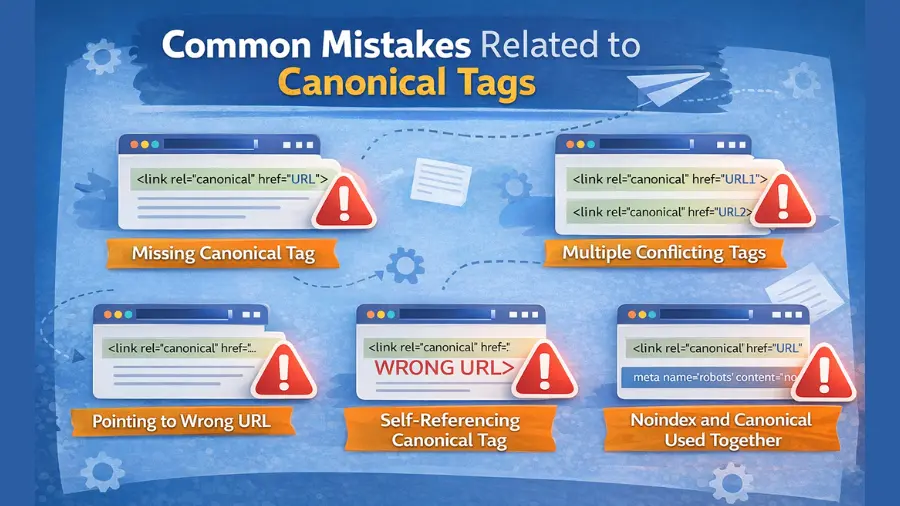
We discussed that by following the best practices to implement canonical tags, you can guide search engines without confusion. However, some mistakes must be avoided to do this in a simple way, which are:
- Every page on your site must have only one canonical tag, as when multiple tags are present, they only increase search engine confusion. The search engine bots might follow all the instructions mentioned in the tags.
- You must regularly audit canonical tags to make sure they only point to valid URLs and not broken links. However, when a canonical tag points to an inaccessible URL, it wastes the crawler budget and affects a site’s performance.
- We discussed above that these tags must be placed in the head section (<head>). When they are used in the <body>, the search might miss their instructions.
- You must avoid using both a canonical tag and a 301 redirect on the same URL. When you do this, you only create more confusion and make it more complex for search engines to understand your site’s structure.
Get Expert Help to Manage Canonical URLs
Managing canonical URLs and tags is not complex, as you need to follow some simple practices. Those who don’t have the right SEO knowledge may find this task challenging. Even small errors can badly affect rankings, indexing, and visibility of your site. With SEO experts at Web Glaze Services, you don’t have to worry about any issues.
We help businesses set up canonical tags the right way, so with us, you don’t have to worry about any risk. Firstly, our SEO experts review your site structure, fix duplicate content issues, and then they use best practices. Connect with the Web Glaze team to get the valuable support you need to keep your website organized and always ready for long-term SEO growth.
Also Read : Google Indexing Issues: How to Detect and Resolve Them

